
 By admin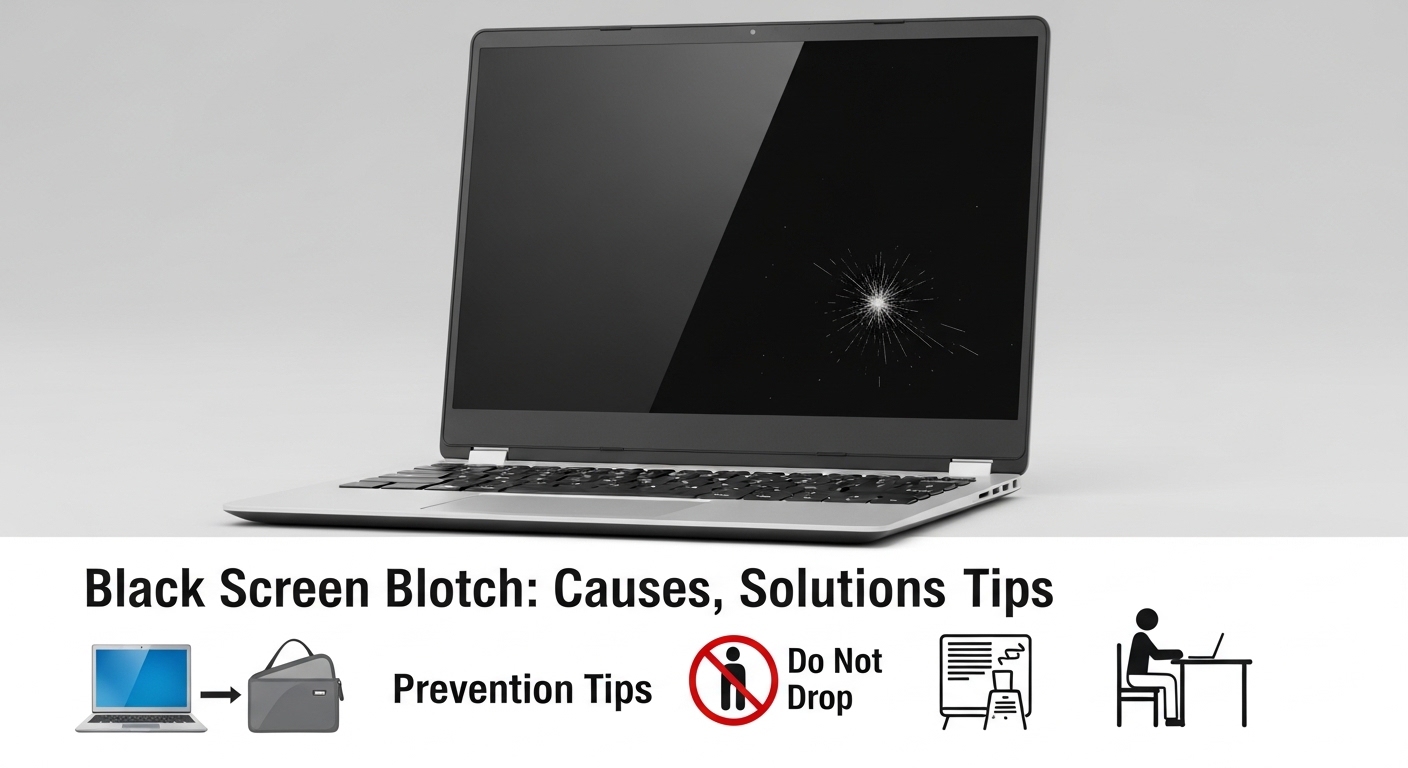
A black spot on a laptop screen is a common problem that can interfere with usability and may indicate hardware or software issues. This type of spot can appear suddenly or develop gradually, affecting visibility and comfort during work or entertainment. Understanding the causes, diagnosing the issue, and knowing the available solutions are essential for users who want to extend their laptop’s lifespan. Why black spots appear on laptop screens, how to fix them, and effective preventive measures to maintain optimal display performance.
Main Causes of a Black Spot on a Laptop Screen
A black spot on a laptop screen can be caused by several factors, including physical damage, display malfunctions, loose connections, or graphics card issues. Accidental impacts or excessive pressure on the screen can break pixels or leave permanent dark areas. Overheating, moisture, or corrosion can also affect the LCD or LED panel’s functionality. Identifying the root cause is crucial to determine the appropriate solution. In many cases, a detailed technical evaluation helps decide whether the screen can be repaired or if a full replacement is necessary, ensuring the laptop returns to proper working condition.
Identifying Physical vs. Software Problems
Not all black spots on a laptop screen are caused by physical damage. Software issues, such as outdated graphics drivers or operating system conflicts, can create temporary dark areas or display distortions. To differentiate, users can connect the laptop to an external monitor. If the external display works correctly, the problem is likely with the laptop screen; if not, it could be a graphics card or software issue. This initial check helps determine whether the black spot is hardware-related or software-related, guiding users toward the proper corrective measures without unnecessary repairs.
Common Repairs for Physical Damage
When a black spot on a laptop screen is caused by physical damage, there are a few repair options depending on the severity. For small dark spots or dead pixels, gentle massaging techniques or pixel-fixing software may help restore functionality. In more serious cases, such as cracks or large black areas, replacing the LCD or LED panel is usually the most effective solution. Repairs should be performed by trained professionals to avoid further damage and ensure the laptop’s display quality is fully restored. Professional intervention guarantees a reliable and long-lasting result.
Solutions for Software-Related Issues
If the black spot is caused by software problems, simple troubleshooting steps can often fix it. Updating graphics drivers, reinstalling the operating system, or resetting display settings frequently resolves distortions or dark areas. System diagnostics can identify conflicts or errors affecting the screen. Before pursuing hardware solutions, users should ensure that software is up to date and functioning properly. Addressing software-related causes first avoids unnecessary expenses and helps maintain laptop performance without compromising hardware integrity.
Impact of Overheating
Overheating is a common contributor to black spots on laptop screens. High temperatures can damage the display panel or graphics card, creating permanent dark areas. Maintaining proper ventilation, regularly cleaning air vents, and using cooling pads during heavy usage are effective ways to control heat. Proper thermal management reduces the risk of physical damage and improves overall laptop performance. Understanding the effect of overheating helps users prevent black spots and prolongs the laptop’s lifespan while maintaining consistent display quality.
Preventing Black Spots on Laptop Screens
Prevention is always better than repair. Avoid applying excessive pressure on the display, protect the laptop from liquids, and handle it carefully to reduce the risk of damage. Using padded cases or laptop bags during transport also protects the screen. Monitoring internal temperature and regularly updating drivers can prevent software-related display issues. Combining physical care with software maintenance significantly reduces the likelihood of black spots and ensures the laptop screen remains clear and functional for years.
When to Seek Professional Assistance
Persistent or severe black spots on a laptop screen require professional assistance. Skilled technicians can accurately diagnose the problem, replace damaged components, and restore display functionality. Attempting repairs without expertise can worsen the issue and increase costs. Professionals can also provide guidance on preventive measures to avoid future screen problems. Seeking technical support ensures that black spots are addressed safely and efficiently, restoring the laptop to optimal performance.
Repair Costs
The cost to fix a black spot on a laptop screen varies depending on the cause and severity. Software fixes or pixel adjustments are usually inexpensive, while full screen replacements can be costly, especially for high-end or newer models. Evaluating the cost-benefit of repair versus replacement is important. Consulting trusted repair professionals and obtaining detailed quotes helps users make informed decisions. Understanding potential costs ensures proper financial planning and avoids unexpected expenses during the repair process.
Regular Maintenance to Extend Screen Lifespan
Maintaining good habits and performing regular maintenance are key to preventing black spots on laptop screens. Clean the display with appropriate products, avoid impacts, and manage internal temperatures. Updating software and monitoring system performance also helps prevent issues that can lead to black areas. Preventive maintenance reduces the need for frequent repairs and ensures a consistent, clear display. Investing in regular care protects the laptop and maintains optimal screen functionality for an extended period.
Conclusion
Keeping a laptop screen free of black spots is essential for productivity and visual comfort. Understanding the causes—from physical damage and overheating to software issues—enables users to take effective corrective and preventive measures. Proper repairs, regular maintenance, and cautious handling ensure the laptop’s longevity and display quality. Seeking professional help when needed guarantees safe and effective solutions. By following these practices, users can minimize risks and enjoy a clear, fully functional laptop screen for years to come.